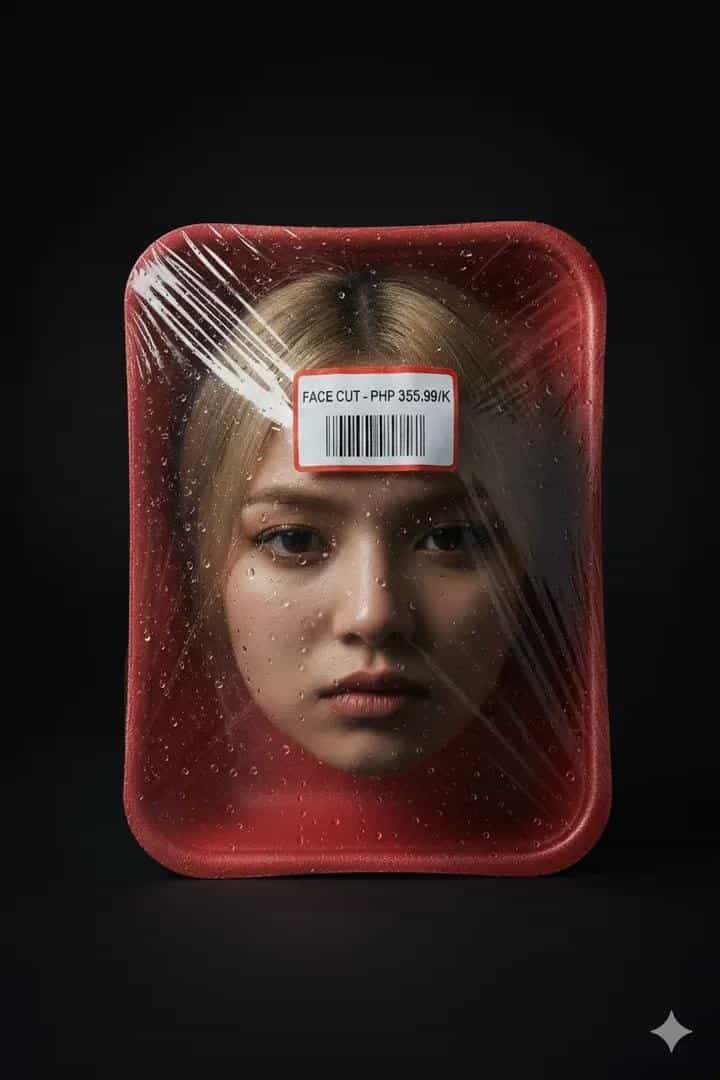
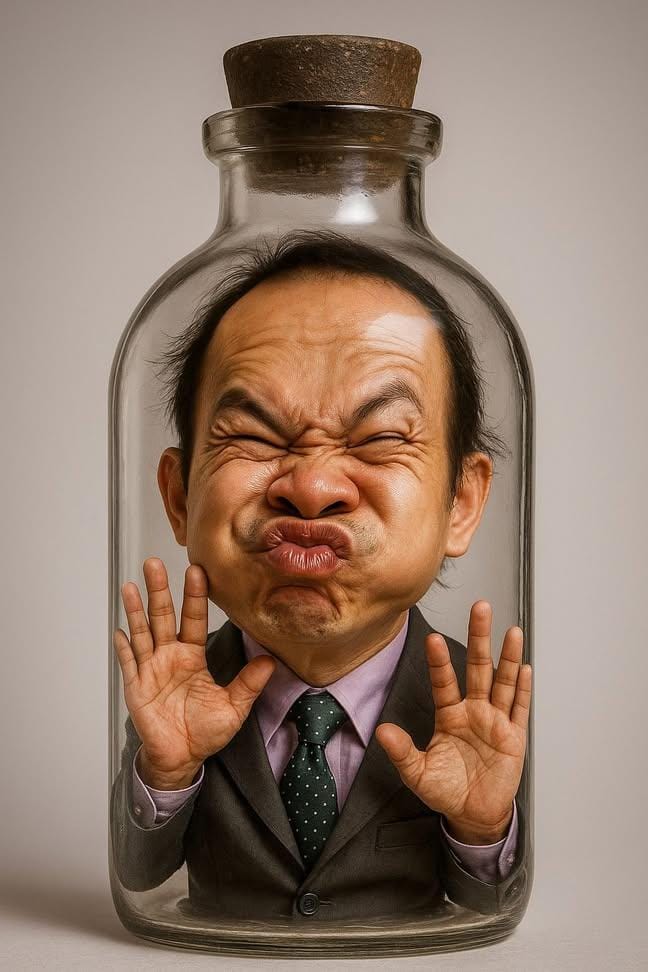
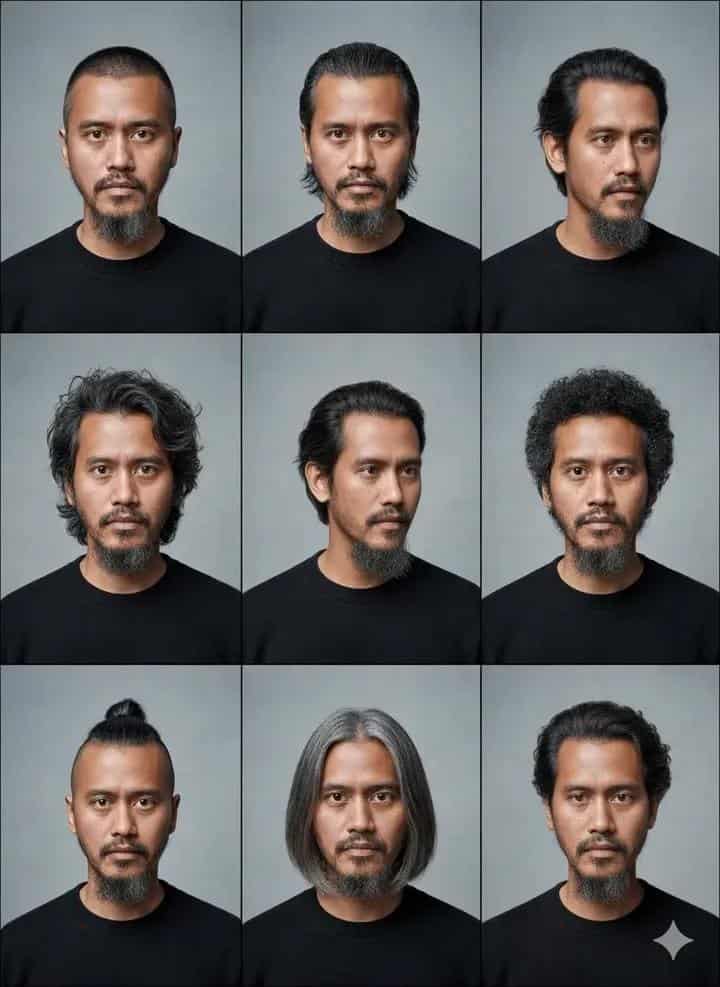
AI Prompt: Reimagined as an Apple-Style 3D Emoji Character
Create stunning AI renders with this prompt that transforms any name or character into a glossy 3D emoji figure inspired by the official Apple iPhone emoji style. Designed with smooth shiny textures, simplified cartoon proportions, and expressive yet minimal facial details, this prompt produces clean, high-resolution studio images on a plain white background. Perfect for profile icons, social media graphics, branding, and creative projects that need a modern, polished emoji-style character.
Generated Images
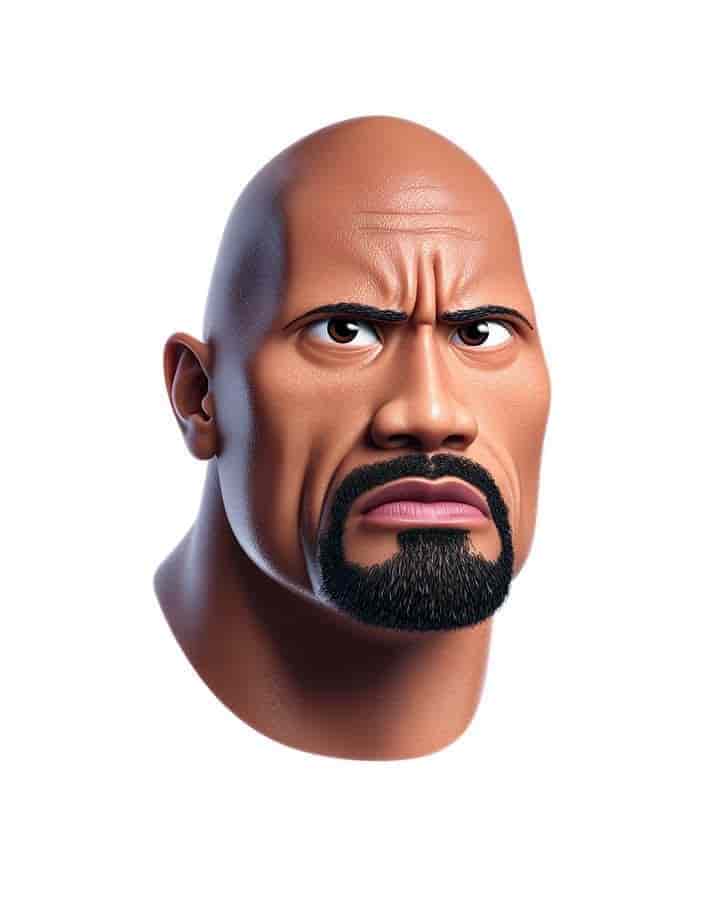
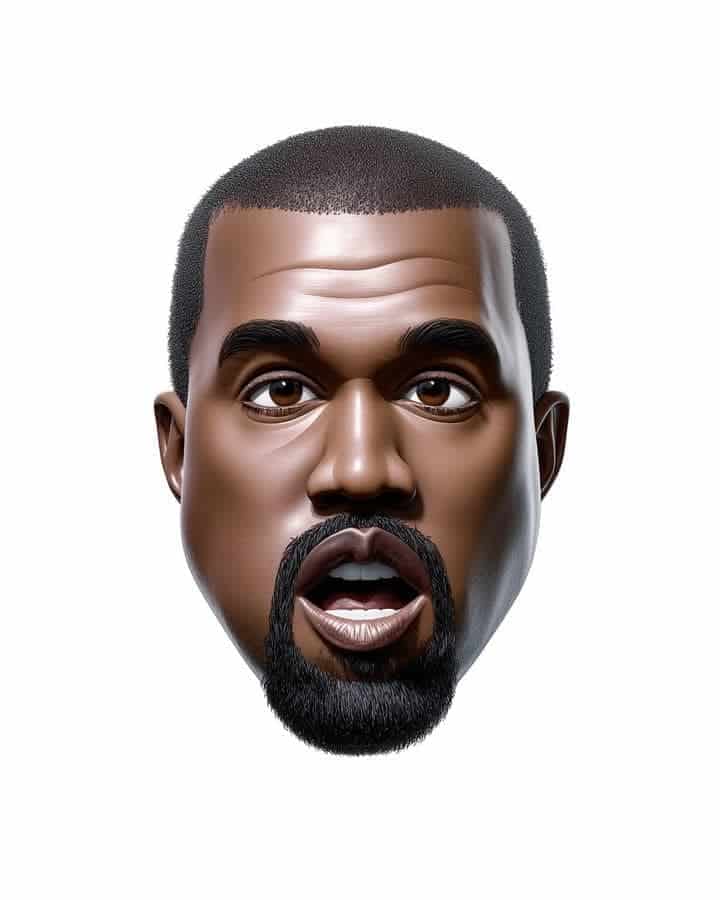
The Prompt
(NAME) reimagined as a glossy 3D emoji character in the official Apple iPhone emoji style, simplified cartoon proportions, smooth shiny textures, expressive but minimal facial details, clean plain white background, high-resolution studio render
How to Use
Copy the full prompt and replace (NAME) with the person, character, or object you want to reimagine. Paste it into your AI image generator (such as MidJourney, DALL·E, or Stable Diffusion) and run it with default or high-resolution settings. For best results, keep the background plain white, avoid adding extra style modifiers, and use consistent wording if you’re generating multiple variations.
Prompt Variations
(NAME) reimagined as a glossy 3D emoji character in the official Apple iPhone emoji style, simplified cartoon proportions, smooth shiny textures, featuring a friendly smile and slight blush on the cheeks, expressive but minimal facial details, clean plain white background, high-resolution studio render
(NAME) reimagined as a glossy 3D emoji character in the official Apple iPhone emoji style, simplified cartoon proportions, smooth shiny textures, featuring a surprised expression with wide eyes and a small open mouth, expressive but minimal facial details, clean plain white background, high-resolution studio render
(NAME) reimagined as a glossy 3D emoji character in the official Apple iPhone emoji style, simplified cartoon proportions, smooth shiny textures, featuring a playful wink and a slight smirk, expressive but minimal facial details, clean plain white background, high-resolution studio render
(NAME) reimagined as a glossy 3D emoji character in the official Apple iPhone emoji style, simplified cartoon proportions, smooth shiny textures, expressive but minimal facial details, clean plain white background with a very soft pastel blue radial gradient, high-resolution studio render
(NAME) reimagined as a glossy 3D emoji character in the official Apple iPhone emoji style, simplified cartoon proportions, smooth shiny textures, expressive but minimal facial details, character's head is tilted slightly to the side in a playful pose, clean plain white background, high-resolution studio render
(NAME) reimagined as a glossy 3D emoji character in the official Apple iPhone emoji style, simplified cartoon proportions, smooth shiny textures, expressive but minimal facial details, clean plain white background with a soft, diffused shadow beneath the character, high-resolution studio render
(NAME) reimagined as a glossy 3D emoji character in the official Apple iPhone emoji style, simplified cartoon proportions, smooth shiny textures, expressive but minimal facial details, standing on a polished white reflective surface with a clean reflection, plain white background, high-resolution studio render
FAQ
- Can I use this prompt to create emojis of real people?Yes — simply replace (NAME) with the person’s name or description (e.g., “Elon Musk” or “a young girl with glasses”). The AI will generate a glossy 3D emoji-style version while keeping the proportions simple and cartoon-like
- Which AI tools work best with this prompt?This prompt works well with MidJourney, Stable Diffusion, and DALL·E. For the most accurate Apple-style render, use a model that handles glossy 3D textures and cartoon proportions effectively. MidJourney usually gives the closest match to the polished emoji look.
Related Prompts